Activity
Players per day, new and returning, peak online, average session, the busiest hours and days, and the most active players, over 24 hours to 90 days.
STORE10Ares is a native Pterodactyl v2 extension that turns the panel into a complete Minecraft control panel. Live server data, a player manager with inventories, one installer for plugins, mods, modpacks and worlds, readable settings, log and crash analysis and server instances, all inside the panel, with no core edits and no theme required.
Engines, plugins, mods, modpacks, resource and data packs, worlds, players, settings, gamerules, logs, crash analyzer, performance, scoreboards, BlueMap, safe updates.
Instances, Egg Changer, schedules, suspensions, Server Importer and Splitter.
FiveM, Rust wipes, Hytale management and Hytale mods.
Subdomains, Web Proxy and support tickets.
One free plugin or mod, installed from the panel in one click, on a supported engine. Every change is a short-lived, signed action.
Players per day, new and returning, peak online, average session, the busiest hours and days, and the most active players, over 24 hours to 90 days.
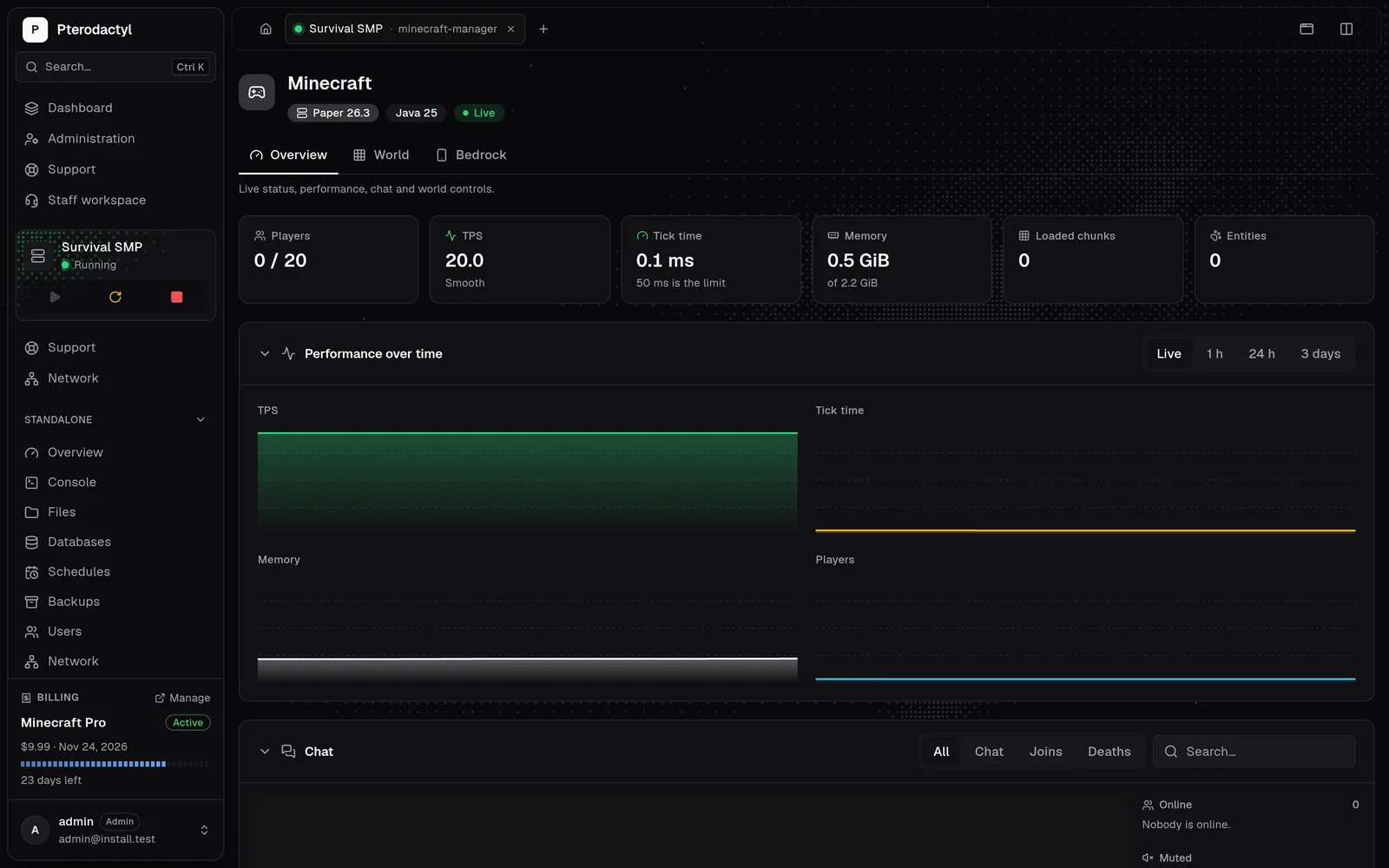
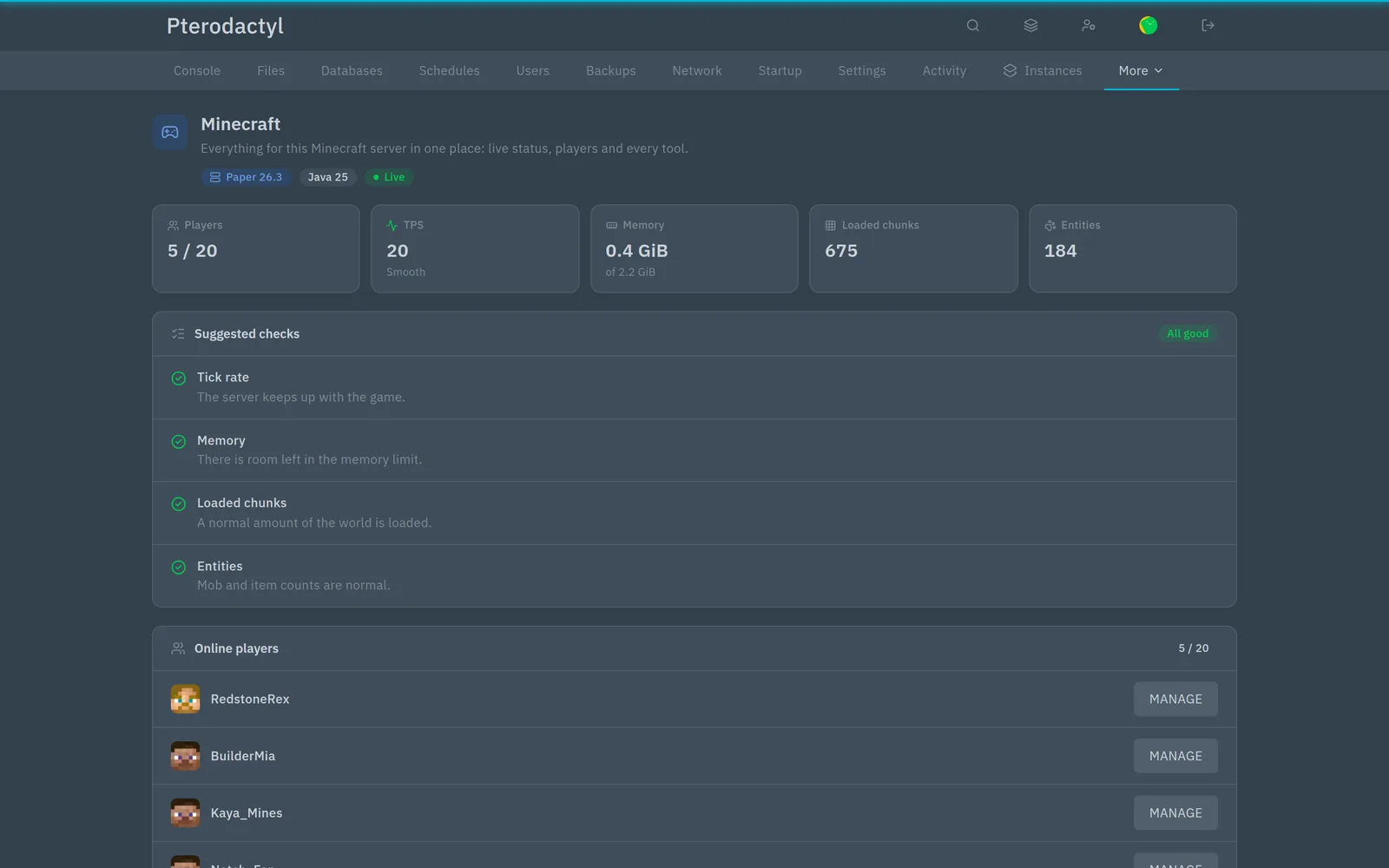
AresRealtime is a plugin or mod you install from the panel in one click. It connects the panel to the running server: players, TPS, tick time, memory, chunks and entities measured inside the game, charts for the last hour, day or three days, and the game's chat beside them.
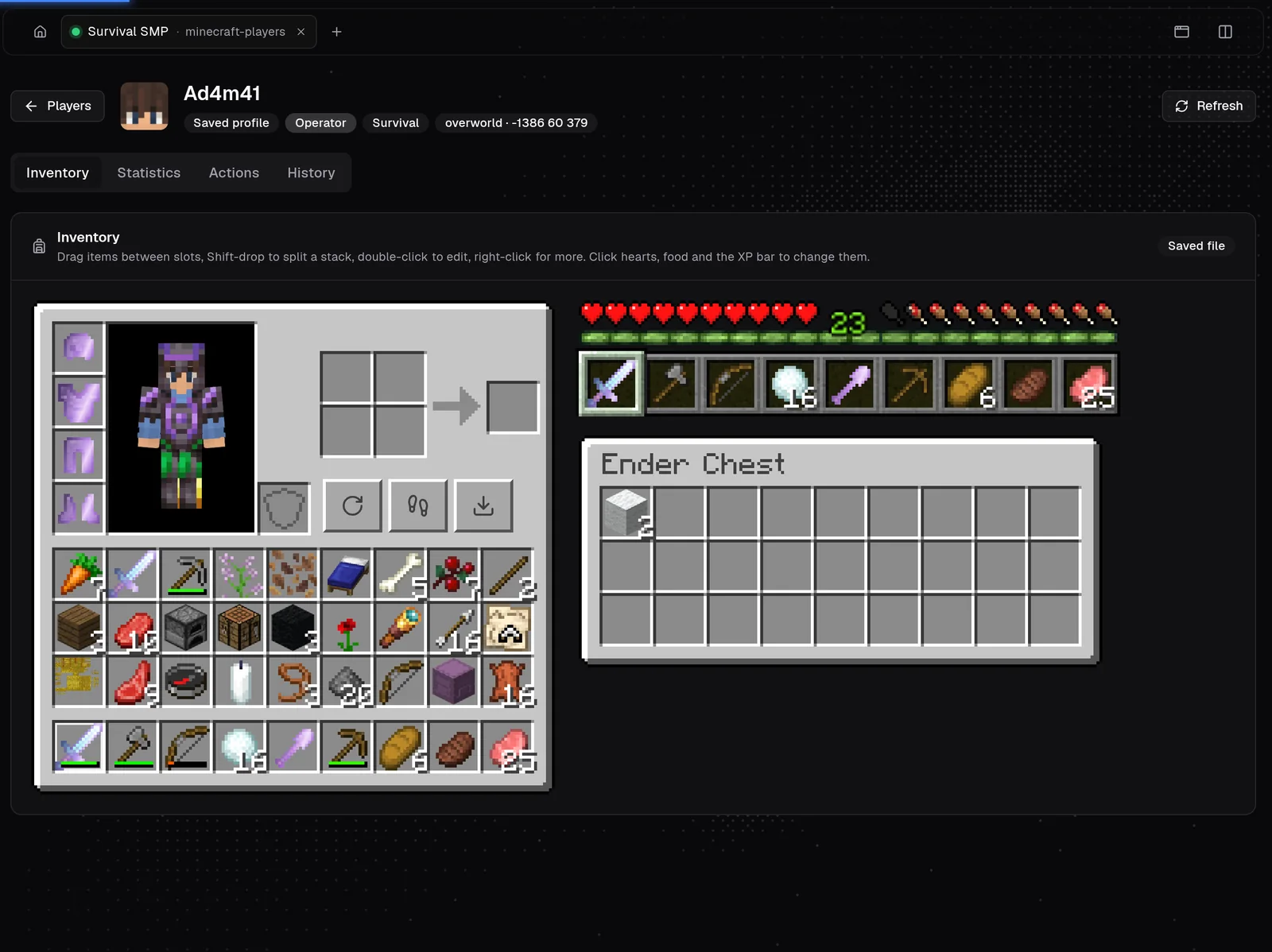
Everyone who joined the server in one list with online status, operators, whitelist and bans. Open a player for their inventory and ender chest, move items between slots, change health, food, XP and game mode, and read statistics and history. Saved profiles work while the server is offline.
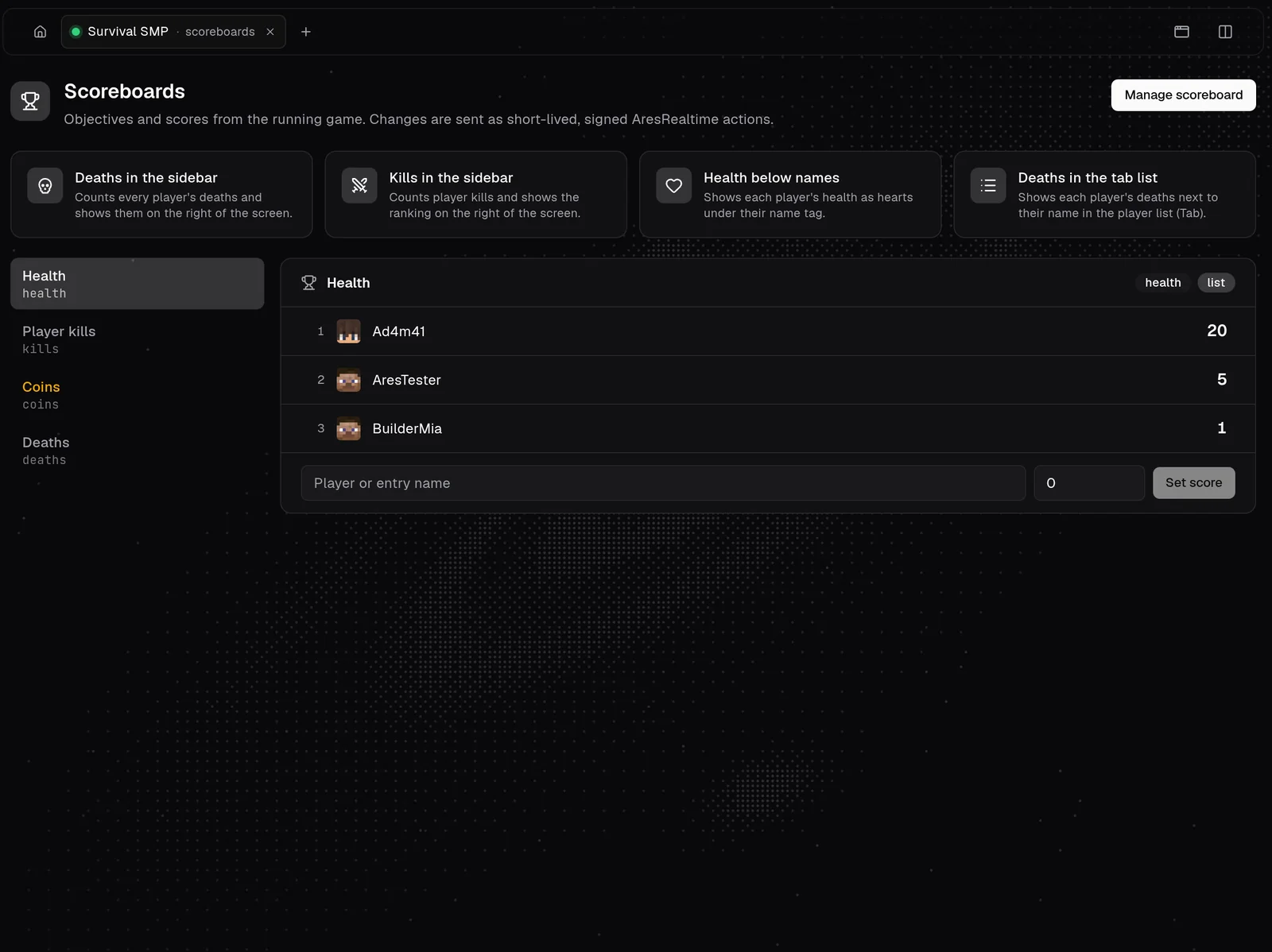
See every objective and score from the running game and change scores in place. Four presets put deaths or kills in the sidebar, health under names and deaths in the tab list; the full dialog creates objectives, sets display slots and runs score operations.
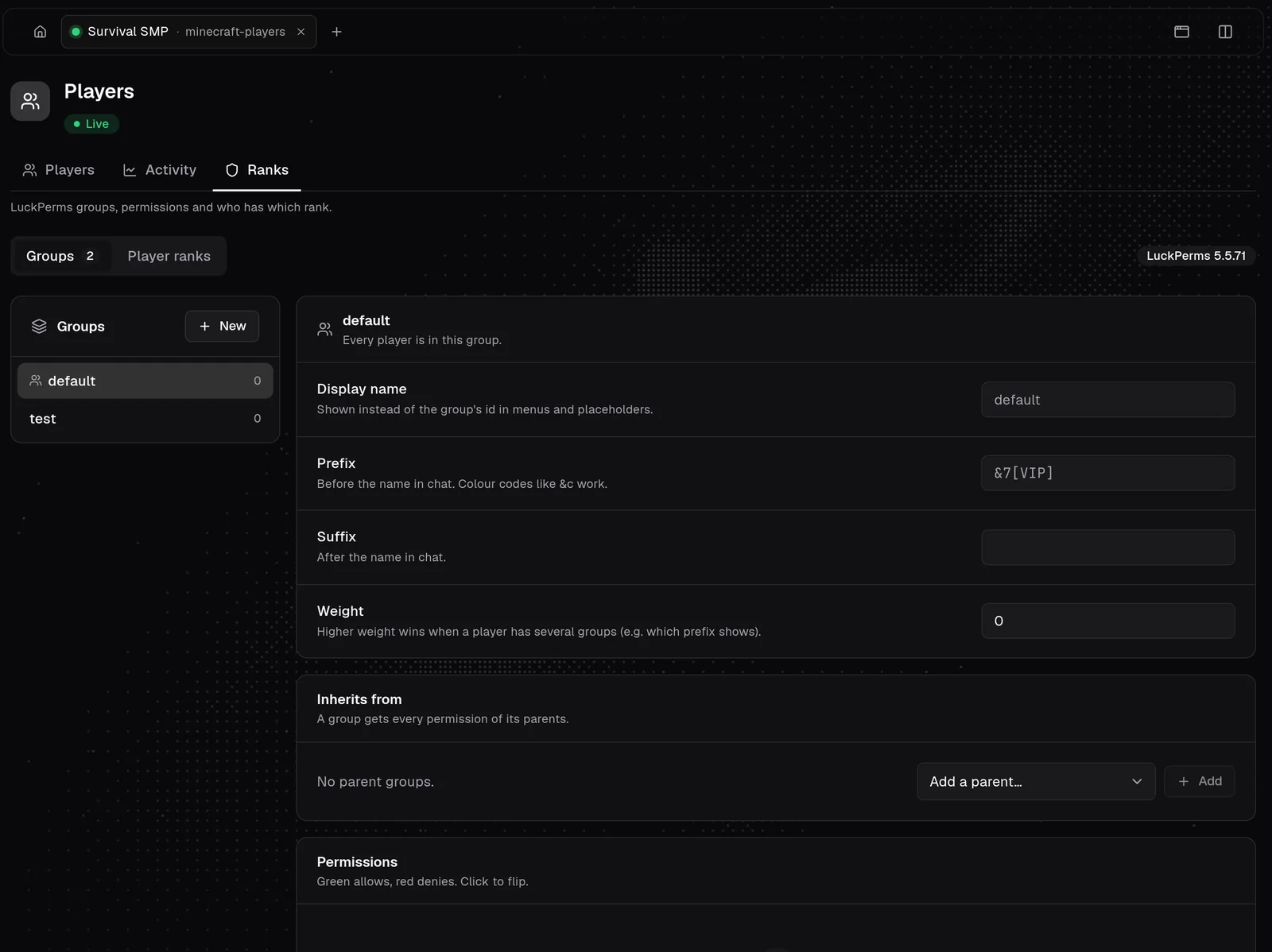
Manage LuckPerms from the panel. Create groups, set prefixes, suffixes, display names and weights, inherit from parent groups and flip permissions with a click. Give a player a rank for good or for a set time. LuckPerms itself is free and needs to be on the server.
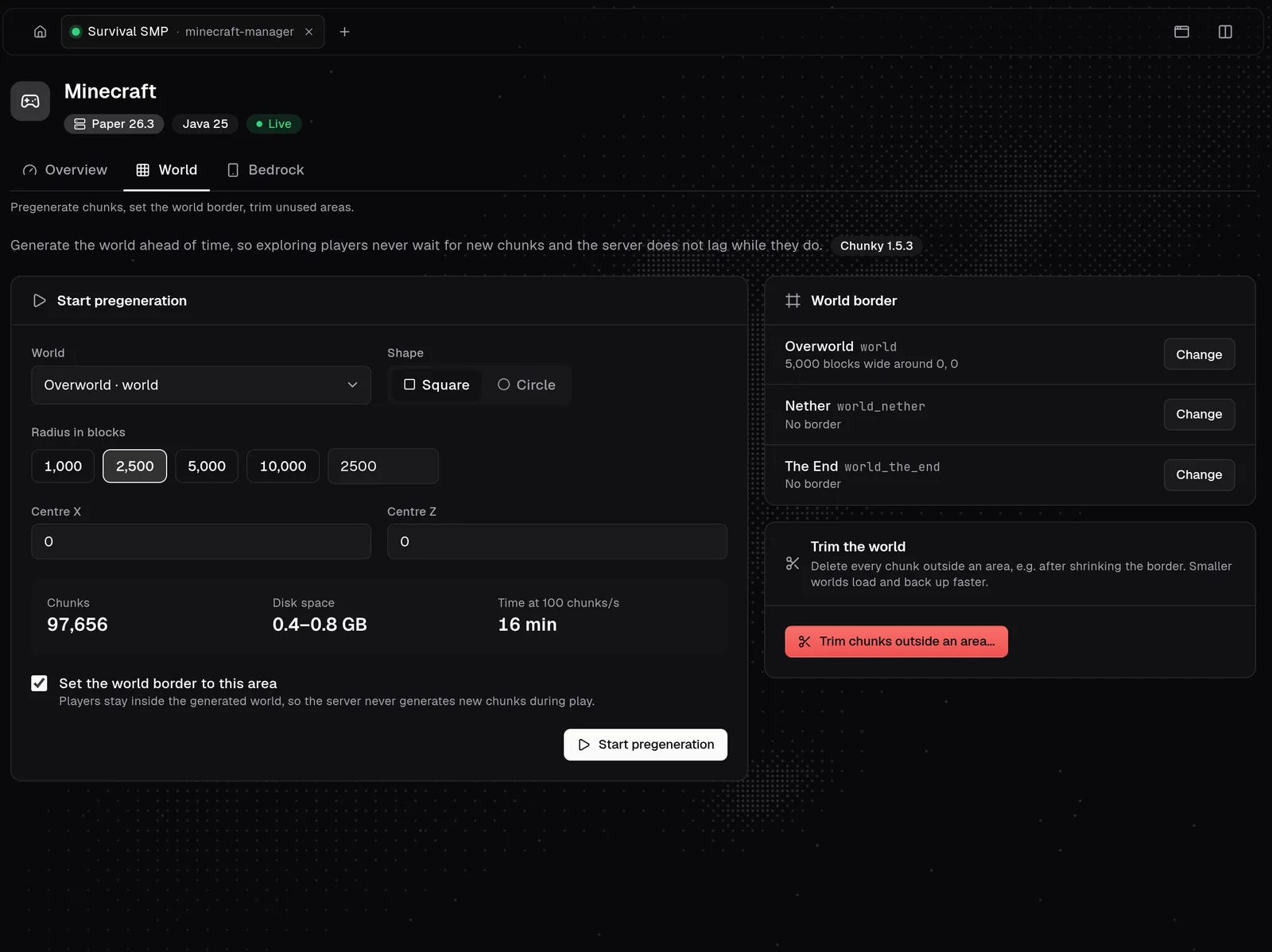
Pregenerate chunks with Chunky so exploring players never cause lag. Ares estimates chunks, disk space and time, shows progress and can pause or continue. Set the world border for each dimension, and trim chunks outside an area with a snapshot first.
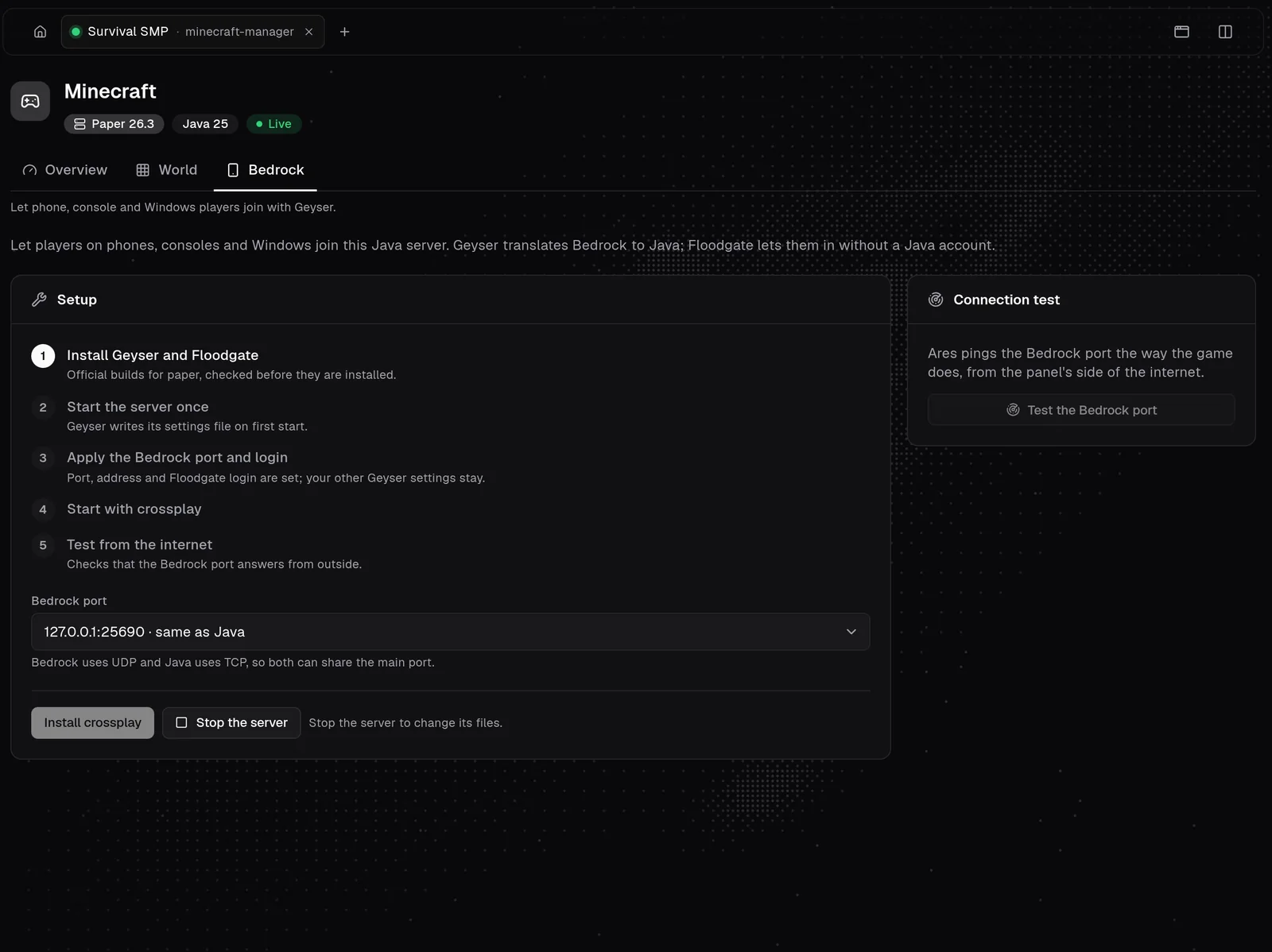
Let Bedrock players join with Geyser and Floodgate, installed from official builds. Ares walks through the setup, applies the port and login, and tests from the outside whether the Bedrock port really answers.
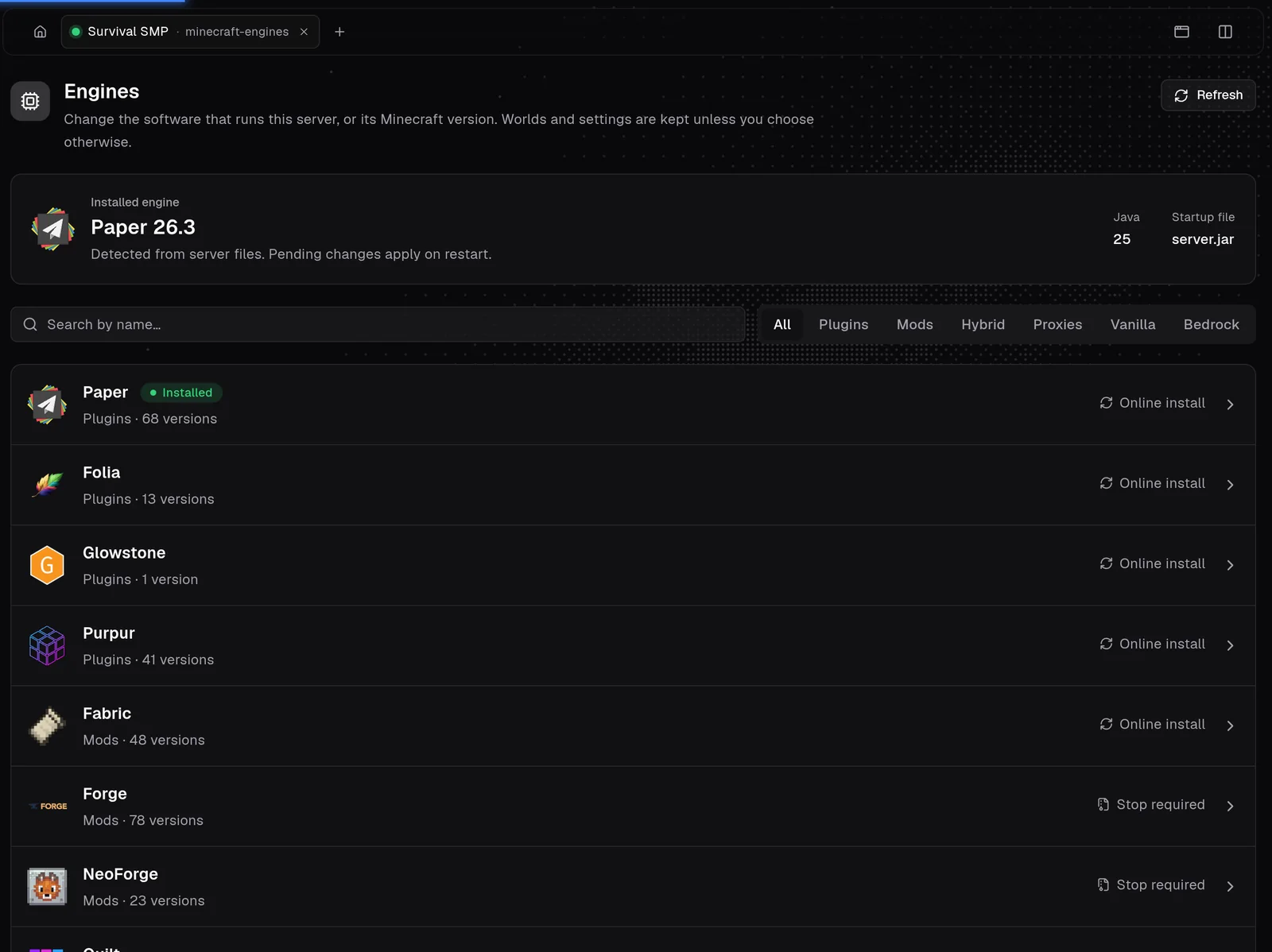
Change the server software or the Minecraft version from the panel. Ares reads the installed engine, version and Java from the server files. Paper, Purpur, Folia, Fabric, Forge, NeoForge, Arclight, Velocity, Vanilla and more; worlds and settings stay unless you choose otherwise.
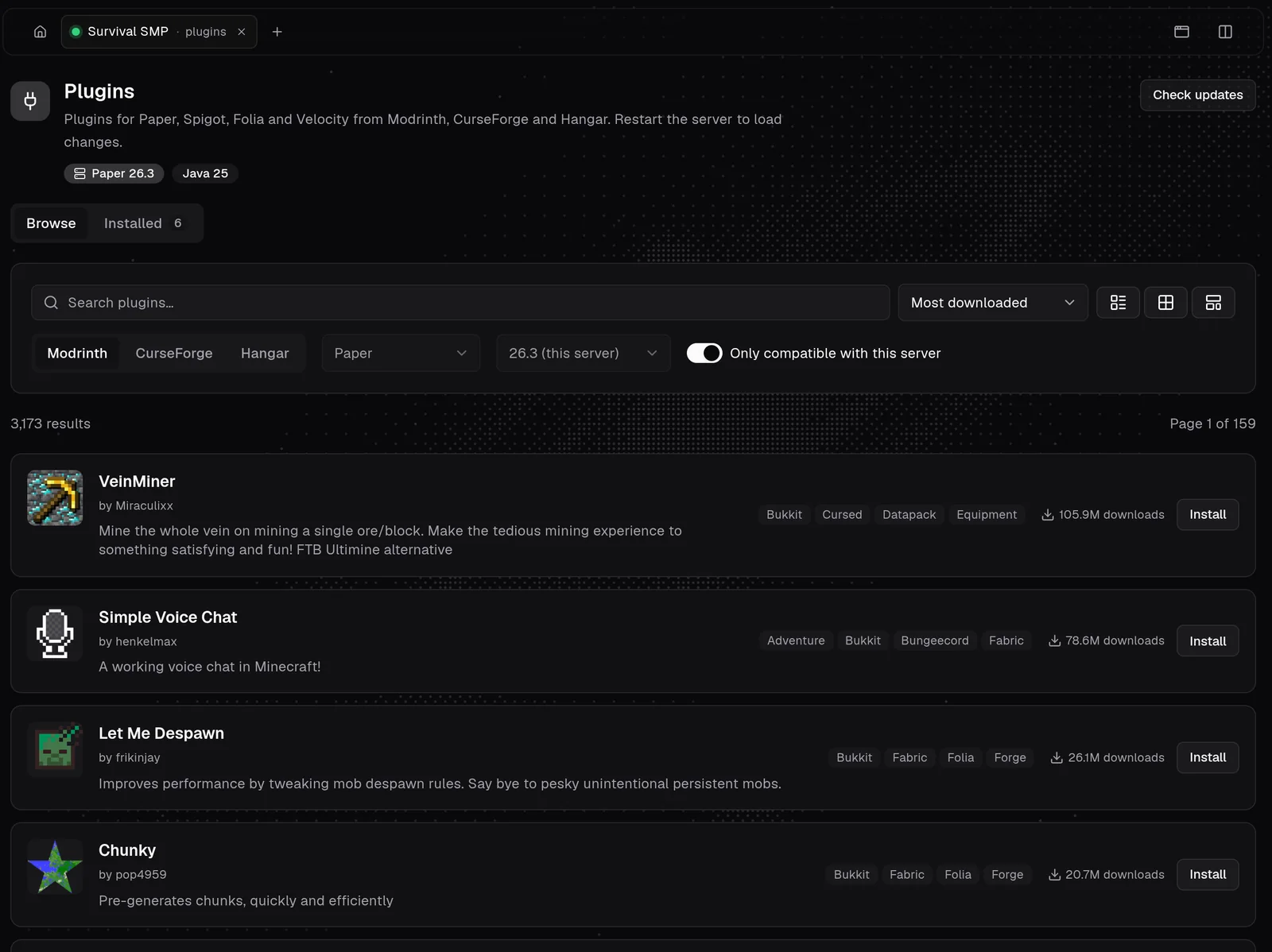
Plugins from Modrinth, CurseForge and Hangar, server-side mods for Fabric, Forge, NeoForge and Quilt, complete modpacks, resource packs, data packs and ready-made worlds. Results follow the detected engine and version, dependencies install together, and Ares warns before a mod that cannot load.
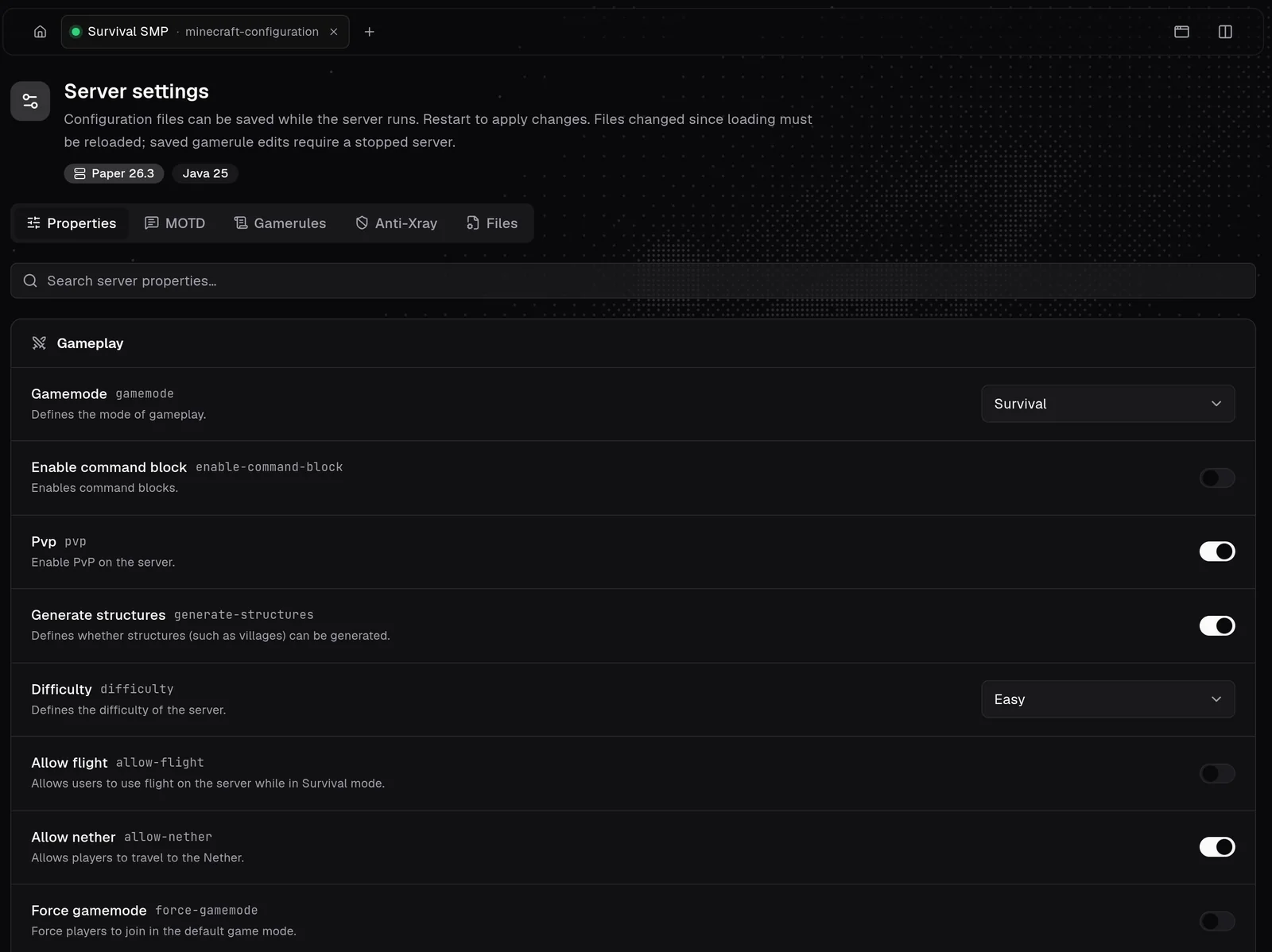
Settings grouped with readable names, descriptions and switches, searchable by name or key. A MOTD editor with a live preview and colours, an offline MOTD, the server icon, every gamerule from the active world, Paper Anti-Xray and a config file editor.
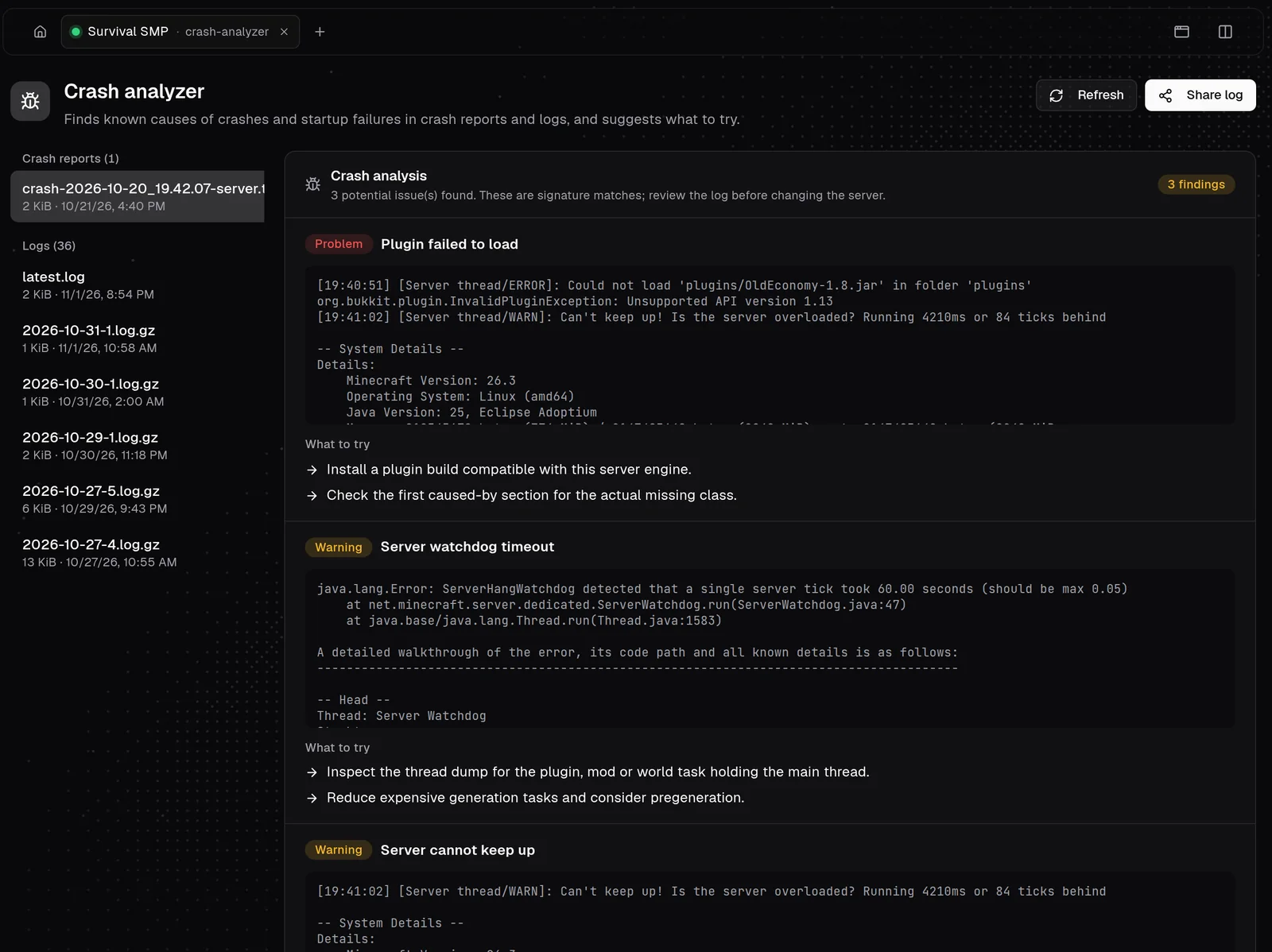
Read latest.log, archived logs and crash reports with search and warning and error filters, and share a log when asking for help. The crash analyzer finds known causes, quotes the lines that matter and suggests what to try next.
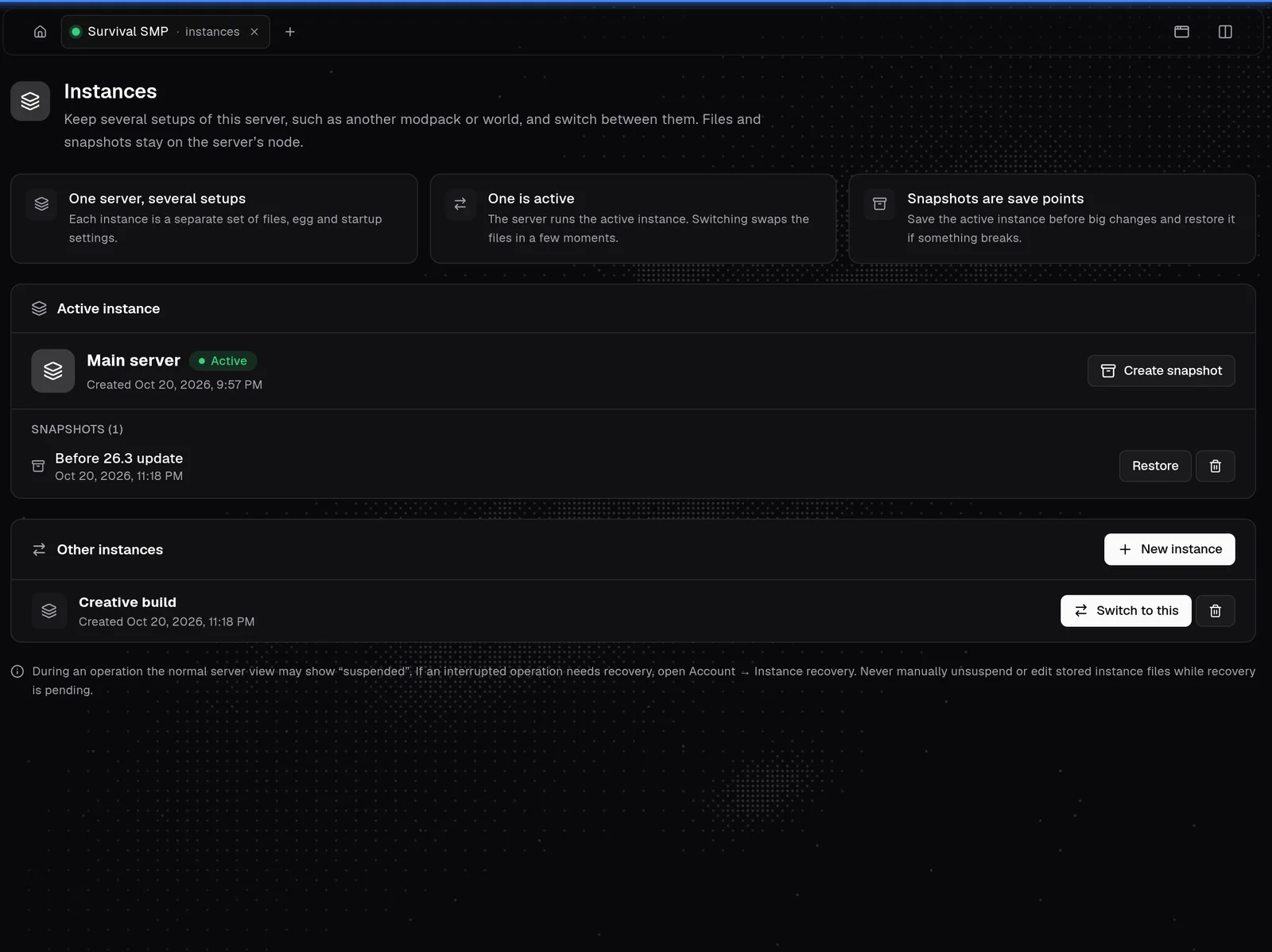
Server Instances keep survival, creative and a test setup side by side, each with its own files, egg, image and startup, with snapshots before changes. The Egg Changer lets customers switch between eggs you approve, the Splitter creates child servers from one plan, and the Importer copies a server from another host.
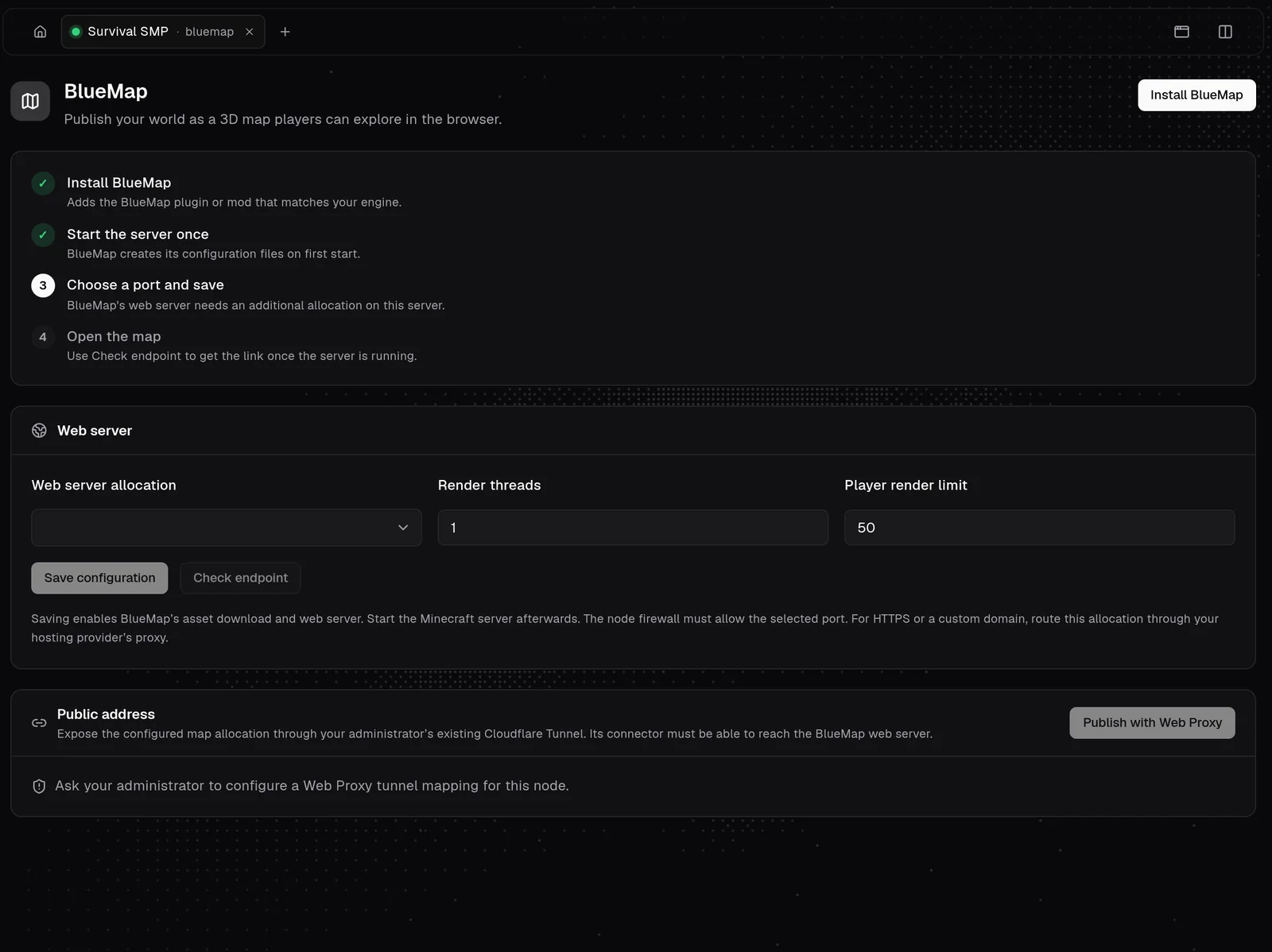
Publish a 3D BlueMap web map, optionally through your Cloudflare Tunnel. Bridge game chat to Discord with the customer's own bot. Give servers a memorable address with subdomains and SRV records for Minecraft and FiveM.
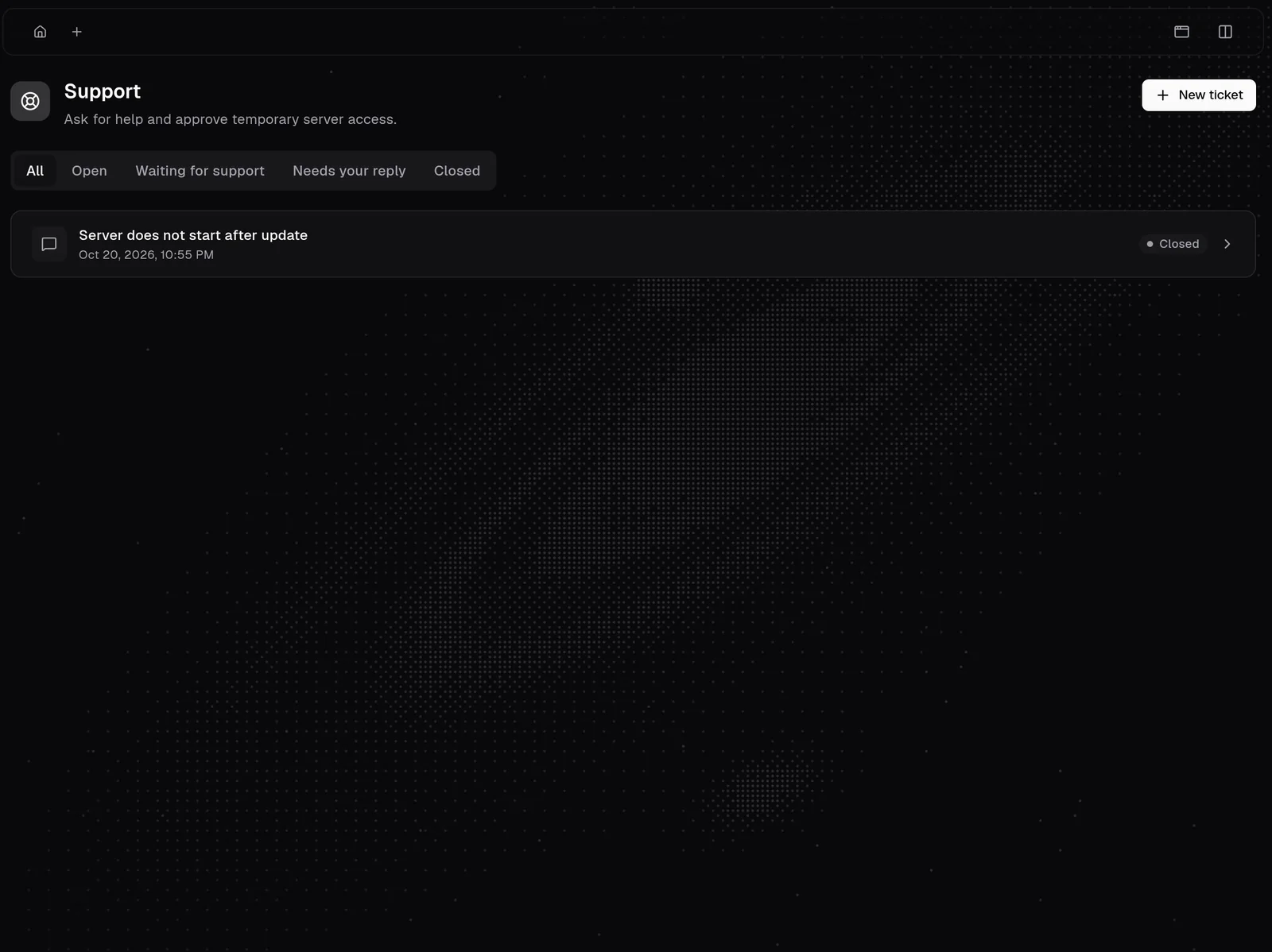
Customers open tickets beside their server, with replies and attachments. Staff get a workspace with notes and roles, and can ask for access to a server; the owner approves and the access expires.
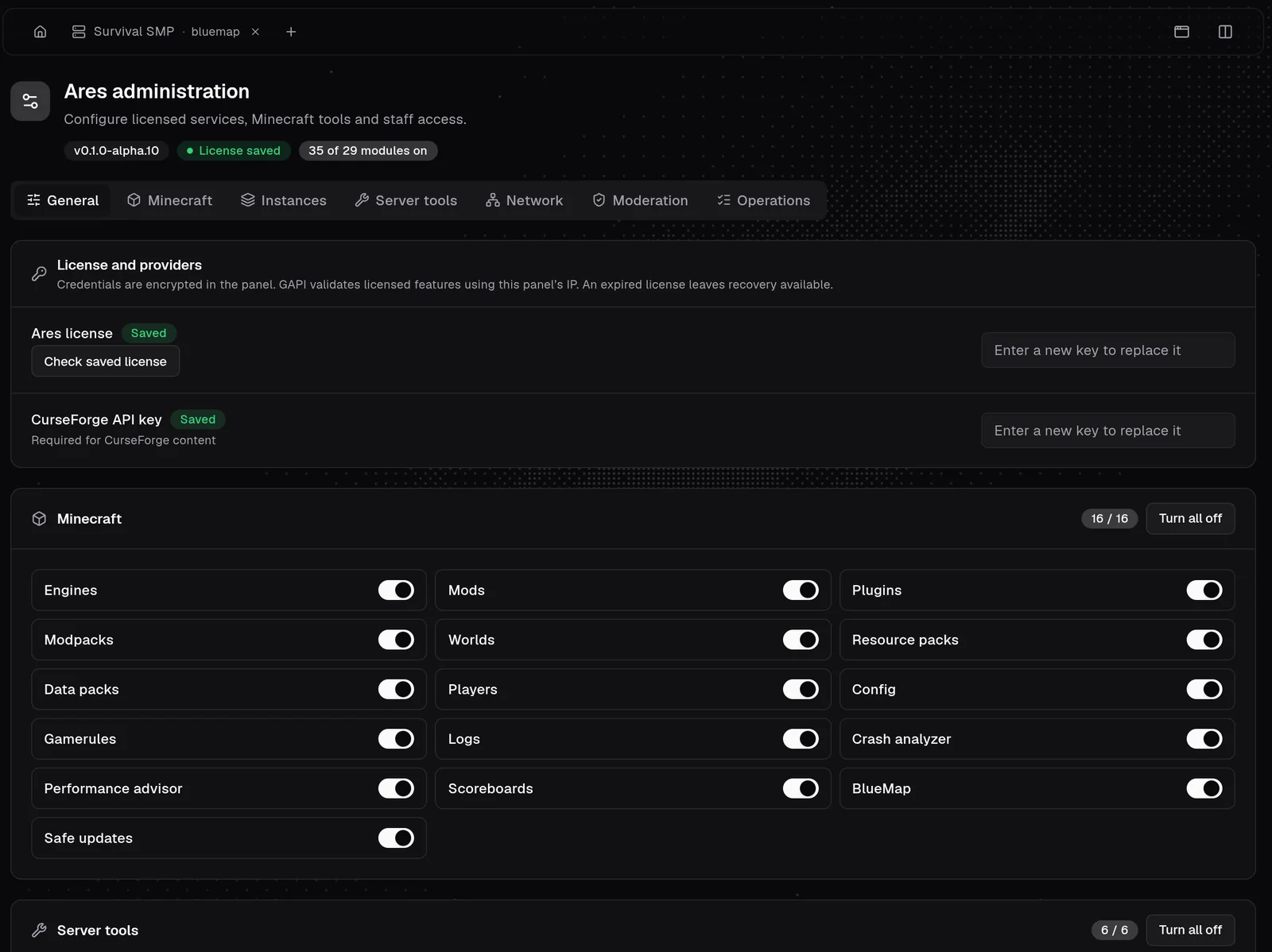
Switch each of the 29 modules on or off for the whole panel, see update status, manage the licence and the CurseForge key, map engines to eggs and set limits for instances, snapshots and networking. FiveM, Rust and Hytale servers get their own tools too.
The screens above use the Andromeda theme, but it is not required. Ares works on the default Pterodactyl v2 theme, shown here, and with other themes.
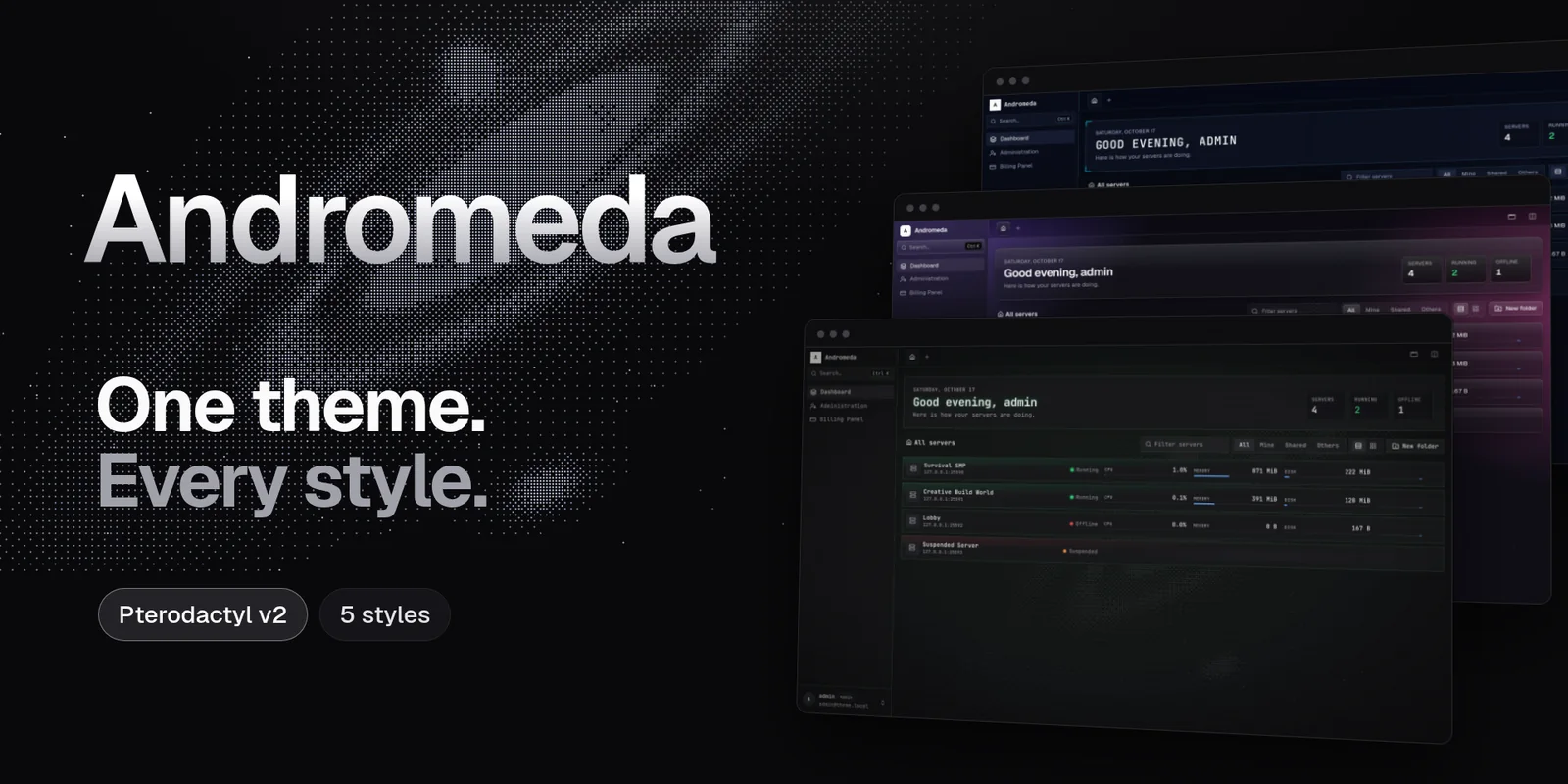
Every Ares tab gets a sidebar layout, tabs and split view, and your panel gets five design styles. Andromeda is optional and sold separately.
View Andromeda